


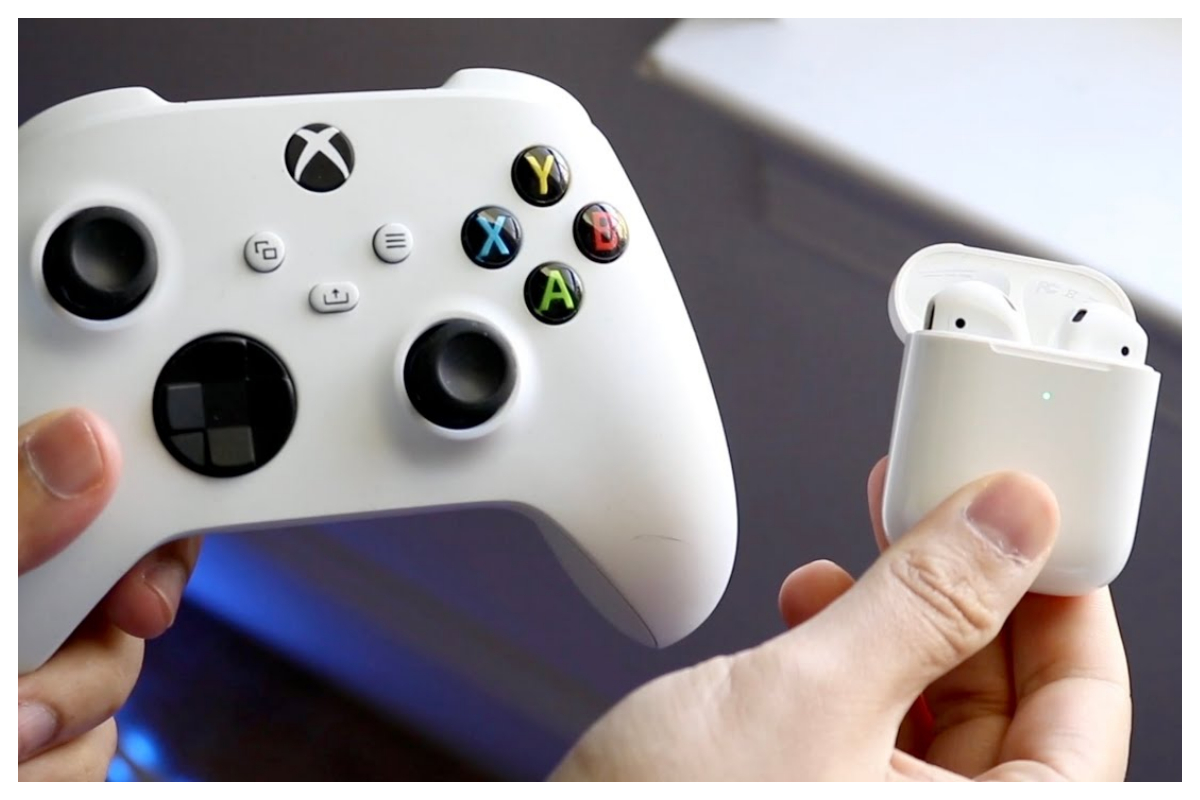
- Using headphones or earbuds is a good option for late-night gaming without disturbing others.
- We will guide you through connecting AirPods to the Xbox Series S, Series X, or Xbox One.
- After pairing AirPods, enjoy immersive gaming audio without bothering others.
If you enjoy playing games late at night with loud volume but also care about your housemates and neighbors sleeping well, using headphones, especially earbuds, is a good option without needing bulky over-ear headphones.
Use AirPods on Xbox.
Thankfully, connecting your Xbox console to your AirPods is very simple. While lowering the sound might be a common tactic for those of us who are easily scared in horror games, it’s important not to forget the importance of music, sound effects, and voice acting in enhancing the gaming experience.
Let’s now guide you through the steps to connect your AirPods to your Xbox Series S, Series X, or Xbox One.
How to connect AirPods with Xbox
- Step 1: Turn on your Xbox and go to Settings.
- Step 2: Select “Devices & Connections.”
- Step 3: Select “Remote features” and tick “Enable remote features.”
- Step 4: Connect your AirPods to your phone.
- Step 5: Open your Xbox app on iPhone or Android.
- Step 6: Tap the “Remote Play” icon in the top right corner of the Xbox app.
- Step 7: Tap “Remote play on this device.”
- Step 8: Tap “Allow” to let Xbox find and connect to devices on your local network.
- Step 9: Now just pop your AirPods in, and the sound will mirror that of your Xbox!
[embedpost slug=”/samsung-galaxy-a15-installment-plan-in-pakistan-with-0-markup/”]
Once your AirPods are paired, you can fully immerse yourself in the audio of your Xbox games without bothering others nearby. To chat with other players using your AirPods, tap the two vertical dots followed by the three horizontal dots in the top-left corner of your phone screen, then select the “Mute” button to activate the microphone and engage in conversations with fellow gamers.