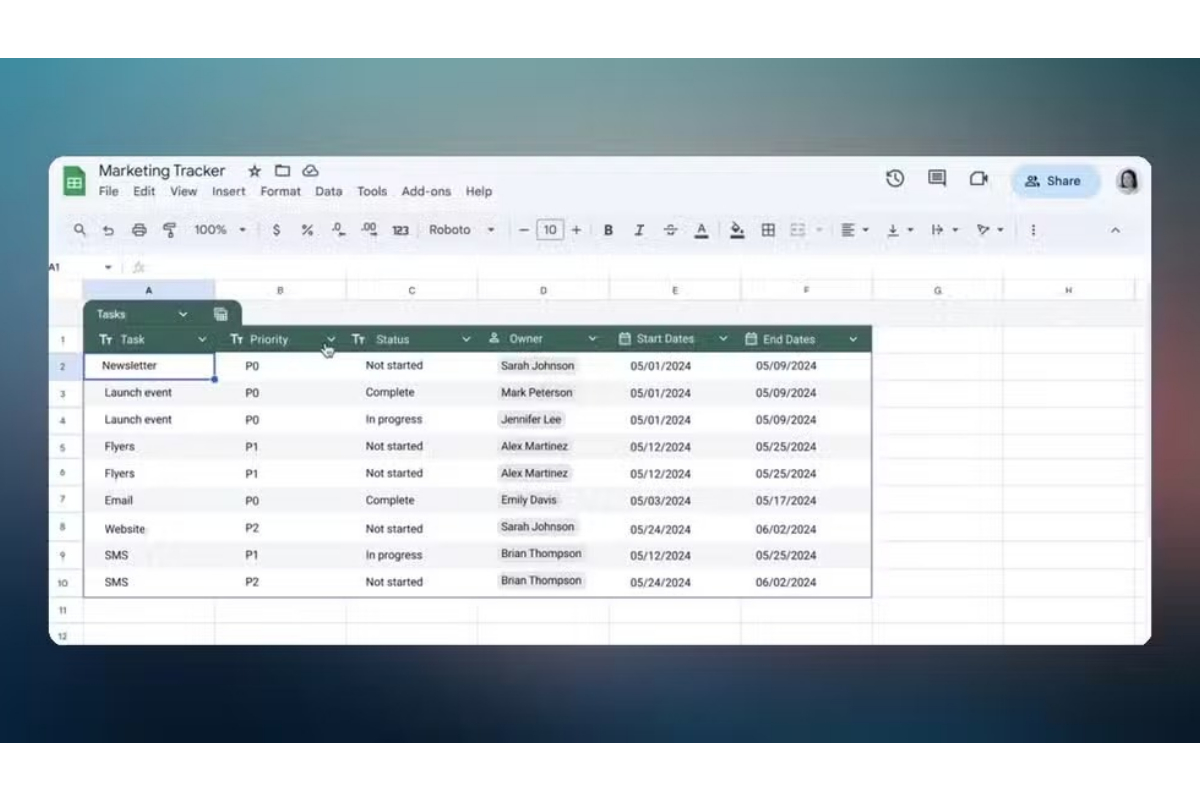
Creating tables in Google Sheets is now simpler with the introduction of one-click tables, a feature long available in Microsoft Excel.
To turn your data into a table, just select your rows and columns, go to the formatting options in the top menu, and choose “Convert to table.” This will instantly format your data with filters and sorting options.
Once your table is created, filters will be added to each column, and visual row separators will be included automatically, eliminating the need for manual formatting. This update also features auto-formatted column types, filters, and easy drop-down menu creation.
Google’s new feature is similar to the AI-generated tables shown at its I/O conference but is designed for power users and does not require Gemini integration.
Sheets will also have a new table menu, allowing you to create specific filter combinations for the table or adjust the data range. Additionally, there’s a “Create group by view” option to organize data into groups based on column filters, such as different priority levels.
The update includes table templates for common tasks like project management, inventory management, and event planning.
This highly requested feature will be useful for those who frequently create tables in Google Workspace, offering time-saving, neatly formatted tables.
One-click tables will be gradually available to all users, starting on May 30 and fully rolling out by June 6.
[embedpost slug=”google-maps-refreshed-enhanced-design-promotes-clarity-and-accessibility-on-android”]